A PR story angle generator for news that needs a hook
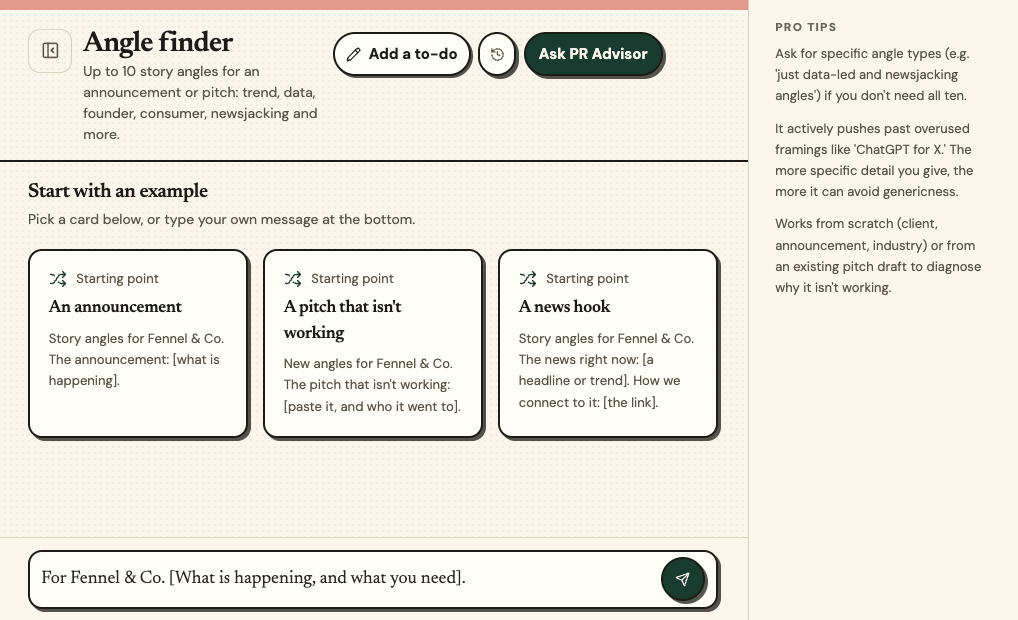
Angle finder develops up to ten different story angles for an announcement, or reframes a pitch you already have. If you paste a draft, it first says why the current framing is not working. It can search the web to check which framings are already overused.
Who it is for
PR teams with news but no hook, or a pitch that got no replies.
You get
- Up to ten clearly different angles, each labelled by type: trend, data-led, founder or human interest, consumer, newsjacking and others that fit
- Angles tailored to different outlet types where it helps
- A note on what is not working in your draft, if you gave one
What it does, in four steps
- 01
Give the news or paste your pitch
The client, the announcement and the industry.
- 02
It diagnoses a draft
If you gave one, it says why the framing isn't working.
- 03
It writes the angles
Each labelled by type.
- 04
You pick one
Take it to Pitch writer.
An example, start to finish
Fennel & Co. is a made-up bakery, and every detail here is invented. This sample shows the shape of a draft. When you run it, it works from your own client and news.
The brief you type in
Angles for Fennel & Co. opening a second bakery.
What it writes
Four of the angles
Trend: independent bakeries are expanding to a second site.
Founder: the founder who ran out of bread by ten every morning.
Consumer: what a bigger oven means for when your loaf is ready.
Newsjacking: [only if a current story is supplied or found].
An angle checklist you can copy
Try each type on any announcement.
Trend: [the bigger story this sits inside.]
Data: [one number a journalist could use.]
Founder story: [the human reason it started.]
Customer story: [what changes for the customer.]
Newsjacking: [a current story it connects to.]
For each, write one sentence a journalist could use as a headline.
Questions people ask
How many angles do I get?
Up to ten. Ask for specific types if you do not need all of them.
Can it improve a pitch I already wrote?
Yes. Paste it and it says why the framing isn't working.
Does it search the web?
It can, to check which framings are already overused.
Do I need a credit card to try it?
No. Every plan starts with 30 days free and no credit card needed. You can cancel any time.
Related tools
From the blog